Hosts Editor
Edit the system hosts file on macOS — without the terminal
Live format validation · automatic backup before every save · per-project toggles · menu bar switching · restore from save history · 39 themes
This is the support page for Hosts Editor. It covers what the app does, answers common questions, and tells you how to reach us.
Features
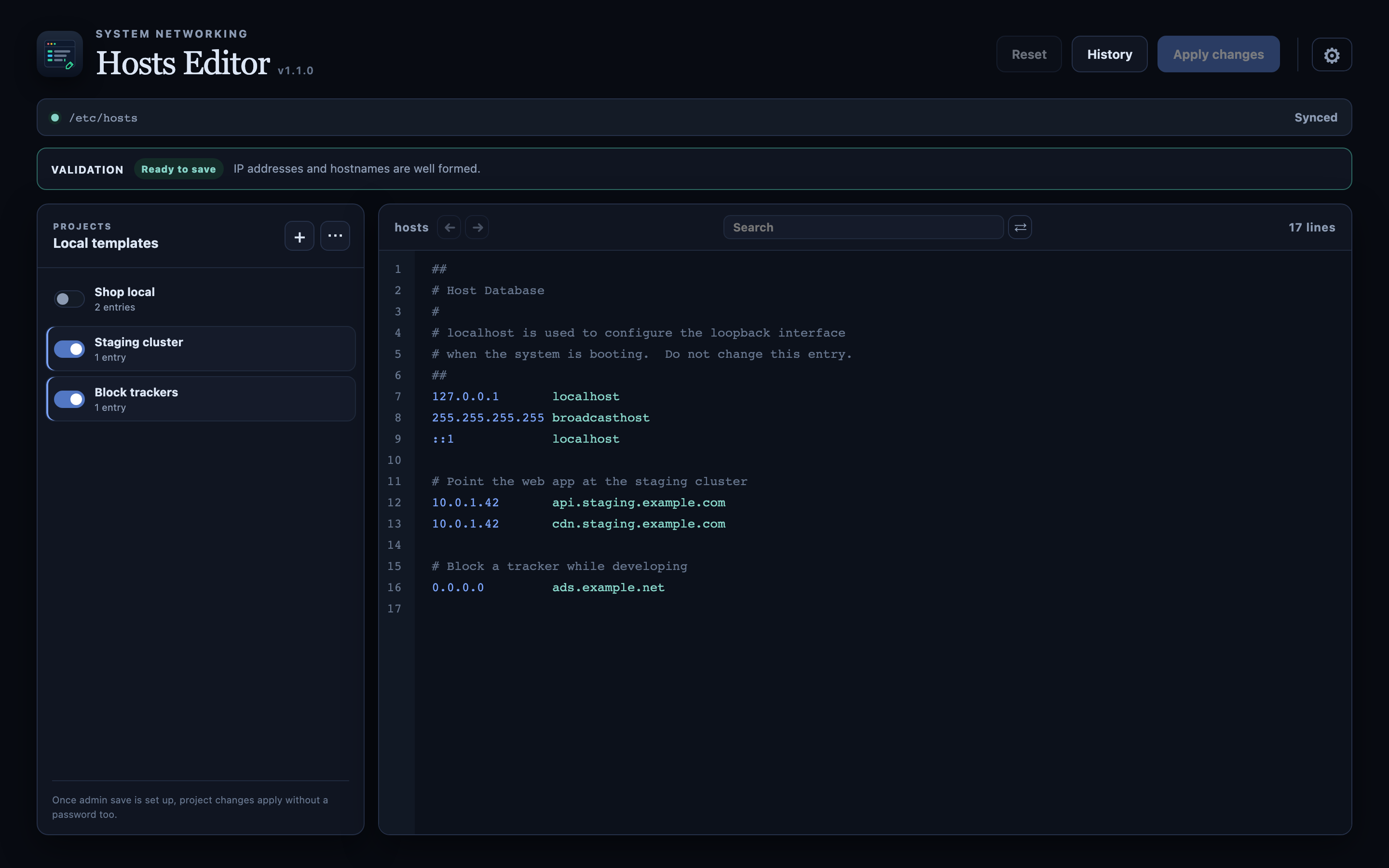
Catches format errors before you save
IPv4 and IPv6 addresses and host names are checked as you type, so a malformed line is pointed out before it reaches the file. Whether the file is safe to save is always shown above the editor.
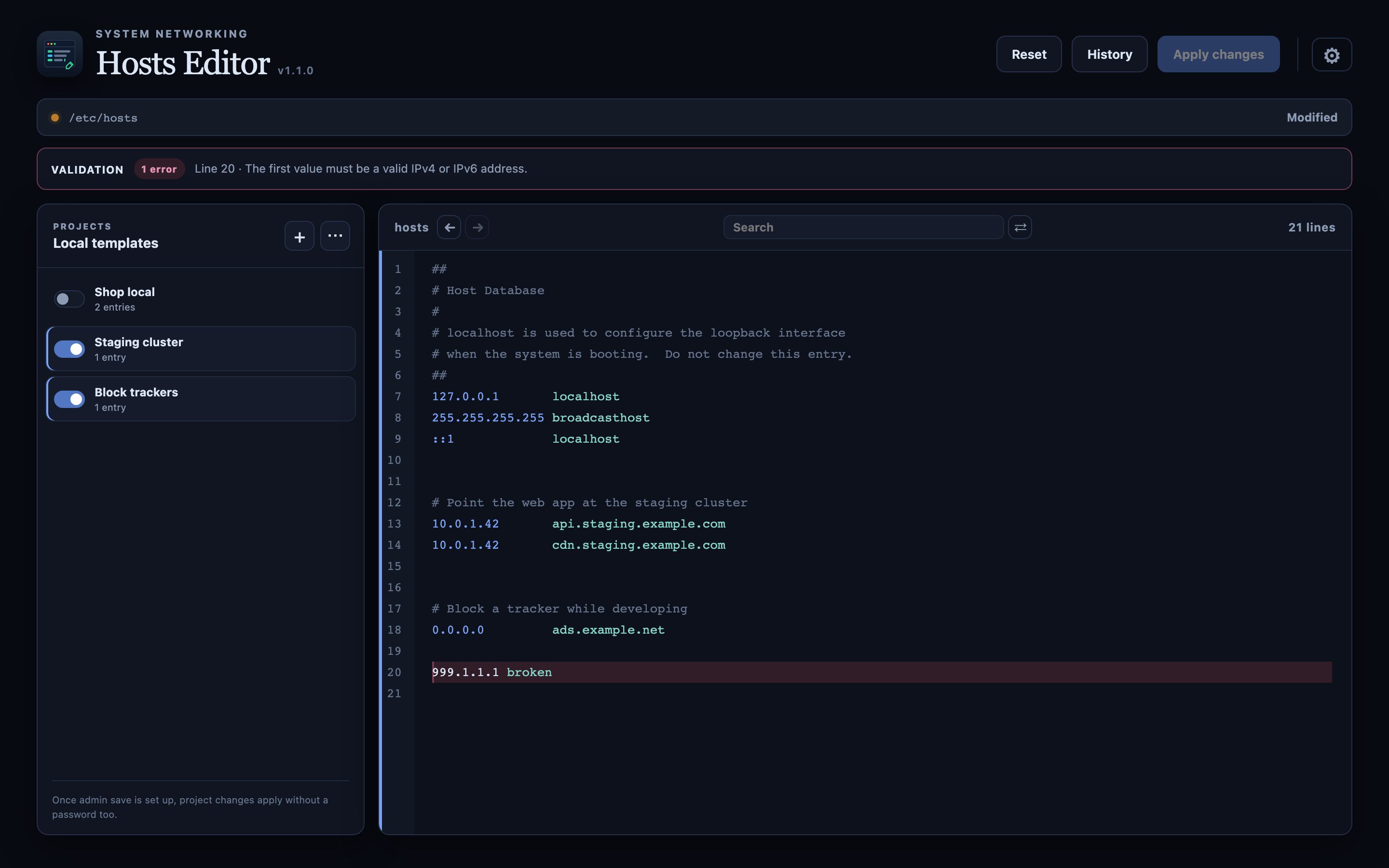
Switch a whole project's entries with one toggle
Save the mappings you use often as a project and turn them on or off with a single switch. A project's entries live inside a managed block, so toggling one never touches the lines you wrote yourself.
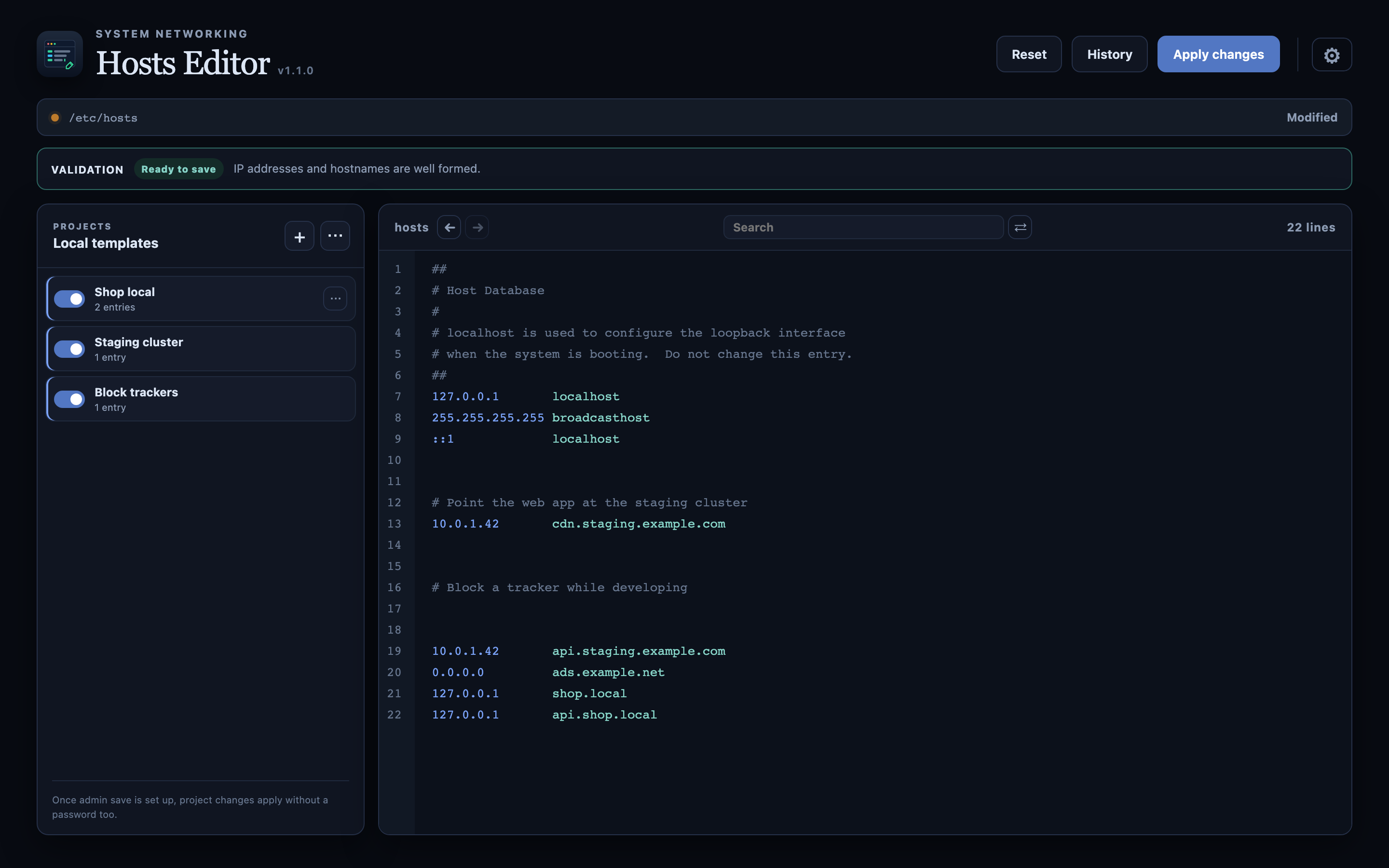
Find and replace across every match
Search inside the editor and replace every match at once — when a staging address changes, you do not have to fix each line by hand.
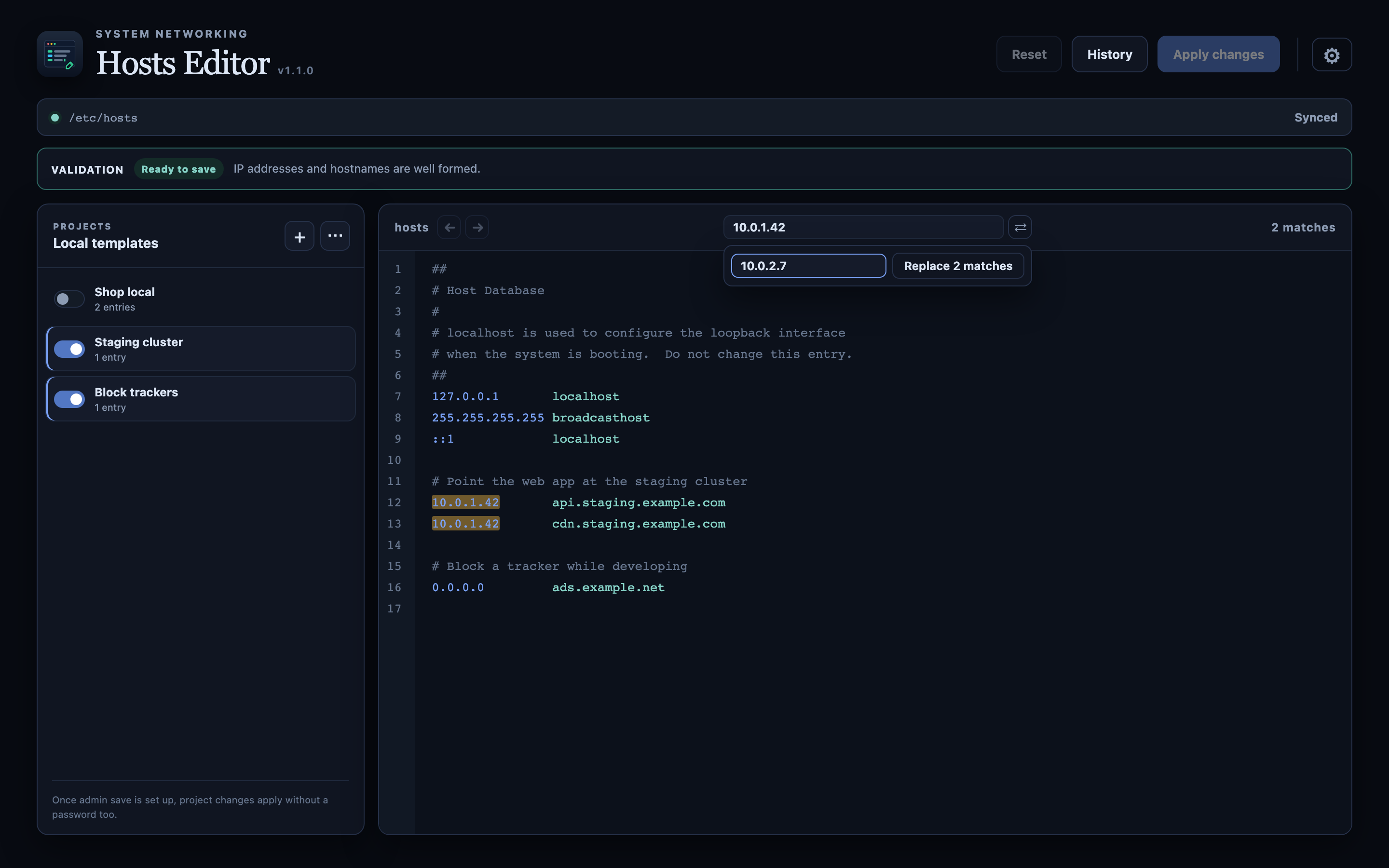
Switch from the menu bar, without opening the window
The menu bar icon toggles any project directly. Moving between staging and local — the thing you do several times a day — becomes one click.
Global shortcuts and notifications
You can attach global shortcuts to your first nine projects
(Control+Option+1…9 by default; the modifier set is configurable). They are
off until you turn them on, and a notification tells you what a shortcut just switched
on or off.
Go back to any earlier save
Every save keeps a copy of the file at that moment, up to 100 of them, on your Mac. "What did this look like on Tuesday" is a list you can browse and restore from, and undo and redo are available while editing.
Safe saving — backup, then atomic replace
A rolling backup is written before the file is overwritten, and the file itself is
replaced atomically, so a save cannot leave a half-written hosts file
behind. If another program changes the file while you are editing, the conflict is
detected instead of silently overwritten.
Finds host names in your project folder
Point the app at a project folder and it reads configuration files
(.env, dev server configs, compose files) to propose the host names they
use. You confirm what actually gets added; the scan only reads and never modifies
anything.
Hand your setup to a teammate
Project templates can be exported to a file and imported from one. Importing merges into what you already have; an entry whose name you already use is skipped rather than overwritten.
39 themes, light and dark
Midnight, Tokyo Night, Catppuccin, Everforest, Nord, Gruvbox and more — 39 light and dark themes, or let the app follow your system appearance.
English · 한국어 · 日本語 · 中文
The interface is available in four languages.
Authenticate once, not on every save
Grant write access to the hosts file once and later saves go through
without an authentication prompt each time.
Frequently asked questions
- It says I need permission to save.
-
hostsis a system file, so writing to it requires permission. On first launch the App Store build asks you to pick/etc/hostsyourself in a file dialog, and once your account has write access to it, later saves need no authentication. The app walks you through this once. - Where are the backups kept?
- Each save writes a rolling backup next to the original file. Separately, the app keeps up to 100 saved versions in its own data folder, which is what save history restores from.
- I saved, but the old address still answers.
- macOS may still be caching the earlier lookup. The app shows the command that flushes the DNS cache with a copy button — paste it into Terminal and run it. (The command needs root, which is why the app does not run it for you.)
- Does toggling a project delete lines I wrote myself?
- No. A project's entries only ever enter and leave inside the managed block the app marks out. Everything else in the file is left exactly as it is.
- Can I share my setup with teammates?
- Yes. Export your project templates to a file and send it; the other side imports it into their own list. Entries with a name they already use are skipped, not overwritten.
- What data does the app collect?
- None. Hosts Editor collects no personal information and no usage data, and sends nothing anywhere. Your edits, project templates, save history and settings stay on your Mac. See the privacy policy for details.
- What if I save something wrong?
- Validation flags malformed lines before the save, and external-change detection stops an unexpected overwrite. If it is already saved, restore it from the rolling backup or from save history.
- A global shortcut does not work.
- If another app already claims the combination, the system refuses to register it — the app tells you when that happens. Pick a different modifier set in settings (Control+Option, Control+Shift, Option+Shift, Command+Control). Global shortcuts are off by default.
- Which systems are supported?
- macOS 13 (Ventura) or later. If something goes wrong, email us with your macOS version.
Contact
Questions, bugs and feature requests are all welcome. We usually reply within 2–3 business days.